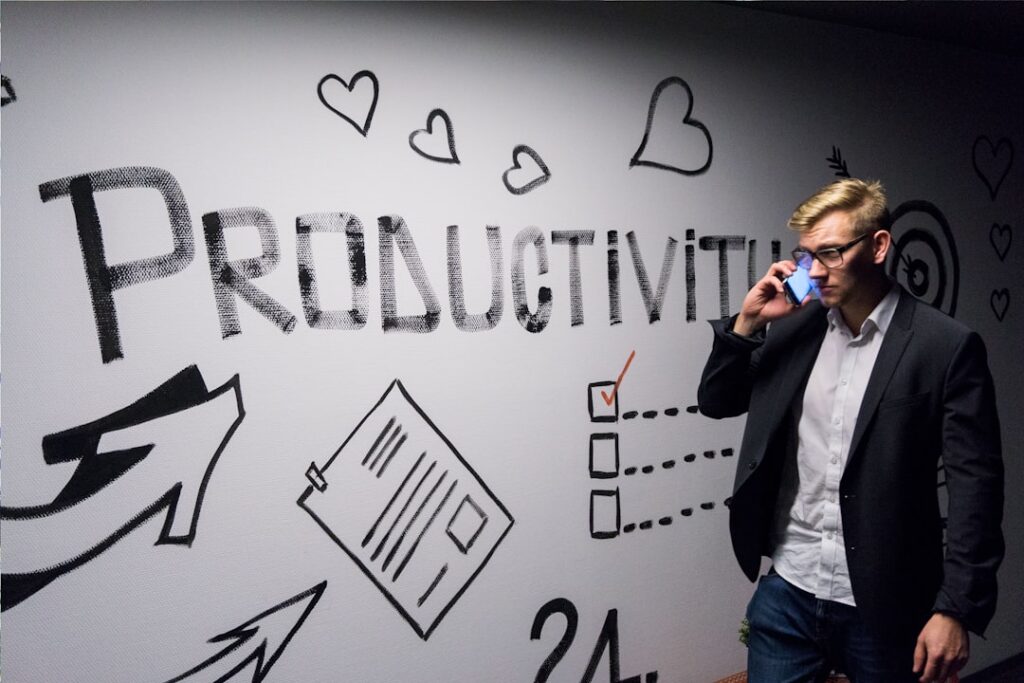
TL;DR: Boost your productivity with proven best practices such as time blocking, the Pomodoro Technique, and leveraging AI tools. Real-world examples include using Trello for project management and Notion for note-taking. Discover how these strategies can enhance your efficiency and effectiveness.
Understanding Productivity Best Practices
In today’s fast-paced world, maximizing productivity is essential for both personal and professional success. By implementing effective strategies and utilizing the right tools, you can streamline your workflow and achieve your goals more efficiently. This article explores some of the best practices for productivity, complete with examples and reviews of tools that can help you succeed.
1. Time Blocking: Structuring Your Day
Time blocking is a powerful technique that involves scheduling specific blocks of time for different tasks throughout your day. This method helps you focus on one task at a time, reducing distractions and improving your overall efficiency.
How to Implement Time Blocking
- Identify Your Tasks: List out all the tasks you need to complete for the day.
- Allocate Time Slots: Assign specific time slots for each task based on priority and estimated completion time.
- Stick to the Schedule: Commit to working on the designated task during its time block, avoiding multitasking.
Example: Using Google Calendar for Time Blocking
Google Calendar is an excellent tool for time blocking. You can create events for each task, color-code them based on categories, and set reminders to keep you on track. Many users find that this visual representation of their day helps them stay focused and organized.
2. The Pomodoro Technique: Work Smarter, Not Harder
The Pomodoro Technique is a time management method that encourages working in short bursts followed by brief breaks. This approach helps maintain high levels of focus and prevents burnout.
Steps to Use the Pomodoro Technique
- Choose a Task: Select a task you want to work on.
- Set a Timer: Work on the task for 25 minutes (one Pomodoro).
- Take a Break: After the timer goes off, take a 5-minute break.
- Repeat: After four Pomodoros, take a longer break of 15-30 minutes.
Example: Using Focus Booster for Pomodoro Sessions
Focus Booster is a popular app that helps users implement the Pomodoro Technique effectively. With its simple interface, you can easily track your Pomodoro sessions and breaks, helping you maintain focus and productivity throughout the day.
3. Leveraging AI Tools for Enhanced Productivity
Artificial Intelligence (AI) tools can significantly enhance your productivity by automating repetitive tasks and providing insights that help you make informed decisions.
Popular AI Tools for Productivity
- Notion: A versatile tool that combines note-taking, project management, and collaboration features. Its AI capabilities help in organizing information and generating content.
- Zapier: Automates workflows by connecting different apps, allowing you to streamline processes without manual intervention.
- Grammarly: An AI-powered writing assistant that helps improve your writing by checking grammar, style, and tone.
Example: Using Notion for Project Management
Notion is widely praised for its flexibility and user-friendly interface. Users can create databases, to-do lists, and project boards, all in one place. The AI features assist in organizing notes and generating summaries, making it a favorite among teams looking to enhance collaboration and productivity.
4. Prioritization: The Eisenhower Matrix
Prioritization is crucial for effective productivity. The Eisenhower Matrix is a simple tool that helps you categorize tasks based on urgency and importance, allowing you to focus on what truly matters.
How to Use the Eisenhower Matrix
- Quadrant 1: Urgent and Important – Do these tasks immediately.
- Quadrant 2: Important but Not Urgent – Schedule these tasks for later.
- Quadrant 3: Urgent but Not Important – Delegate these tasks if possible.
- Quadrant 4: Not Urgent and Not Important – Eliminate these tasks.
Example: Using Trello for Task Management
Trello is an excellent tool for visualizing your tasks using the Eisenhower Matrix. You can create boards for each quadrant, moving tasks between them as their urgency and importance change. This visual approach helps keep your priorities clear and manageable.
5. Regular Reflection and Adjustment
Finally, regularly reflecting on your productivity practices is essential for continuous improvement. Set aside time weekly or monthly to evaluate what strategies are working and what needs adjustment.
Tips for Reflection
- Review your completed tasks and assess your time management.
- Identify any obstacles that hindered your productivity.
- Adjust your strategies and tools based on your findings.
Conclusion
Implementing these productivity best practices can transform the way you work, helping you achieve more in less time. By leveraging techniques like time blocking and the Pomodoro Technique, along with powerful AI tools, you can enhance your efficiency and effectiveness. Remember to prioritize your tasks and regularly reflect on your progress to ensure continuous improvement. Start integrating these strategies today and watch your productivity soar!
Leave a Reply